Ilorb Boards Coming soon
Your team's work in boards, lists and cards.
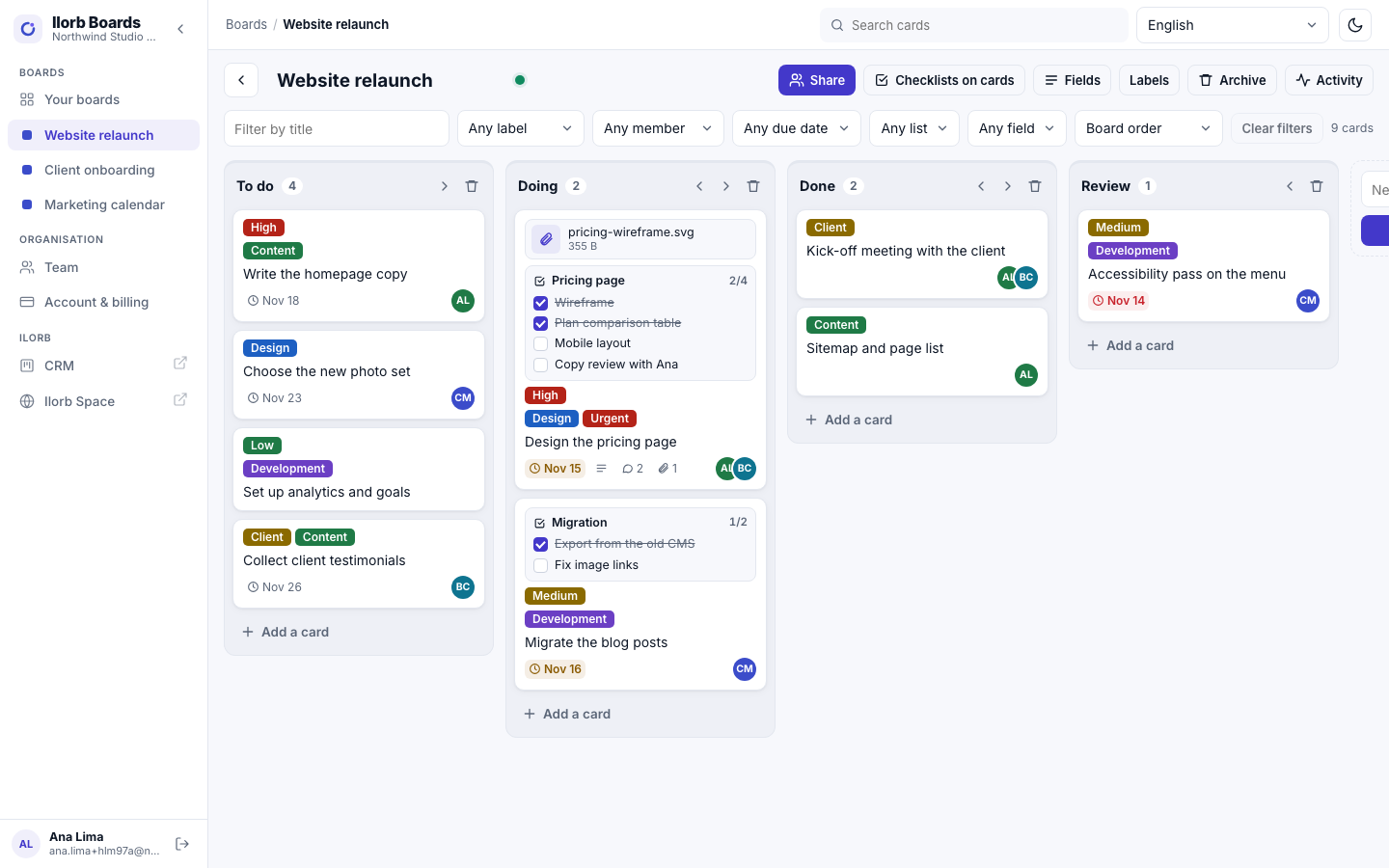
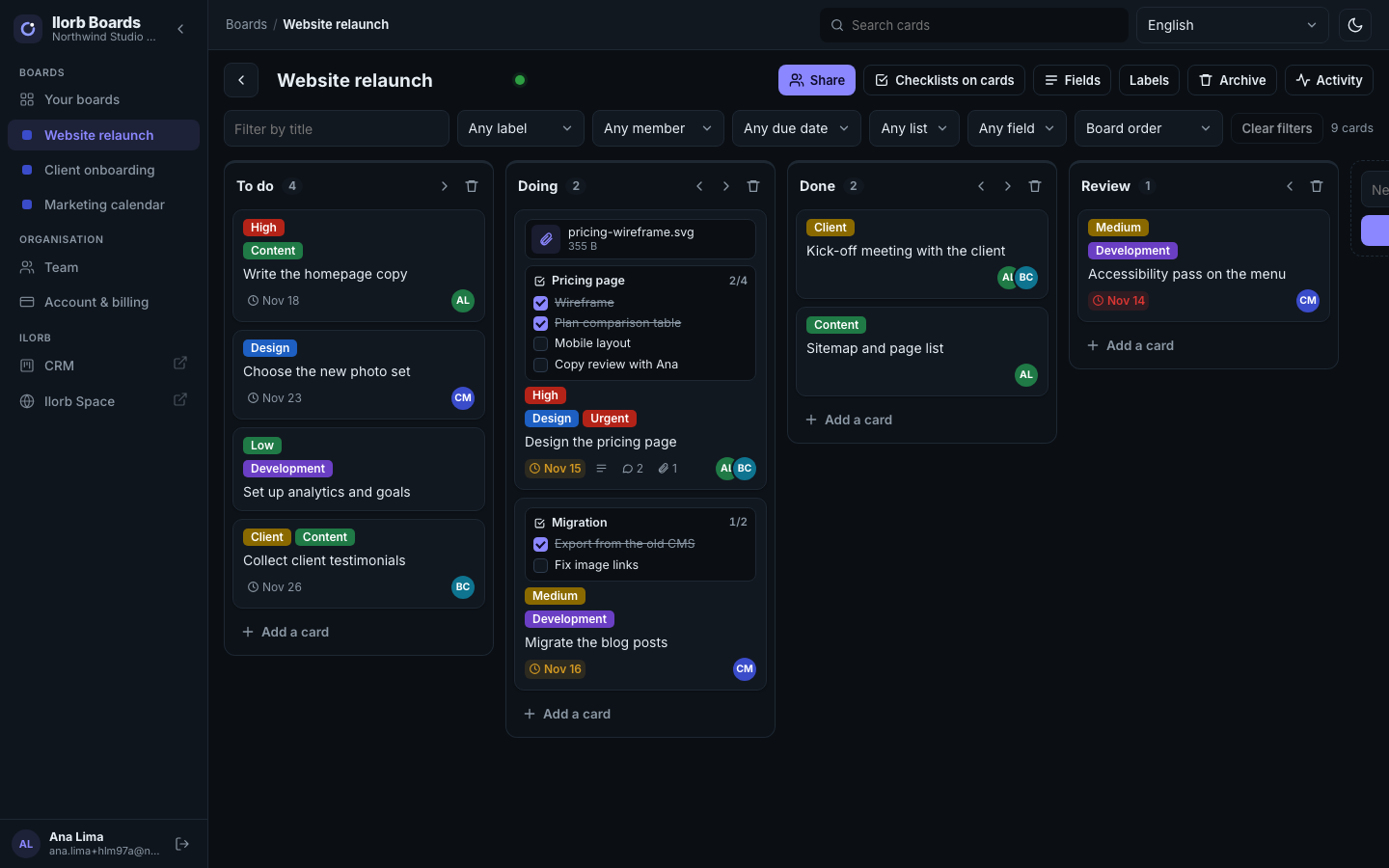
Kanban-style boards with drag and drop by mouse, touch or keyboard — and changes show up live for everyone on the board.
Who it is for: For teams that organise work in lists and cards: agencies, studios, operations and marketing.
- Live updates
- Works on a phone
- English and Portuguese
What Ilorb Boards does
Card on its own screen
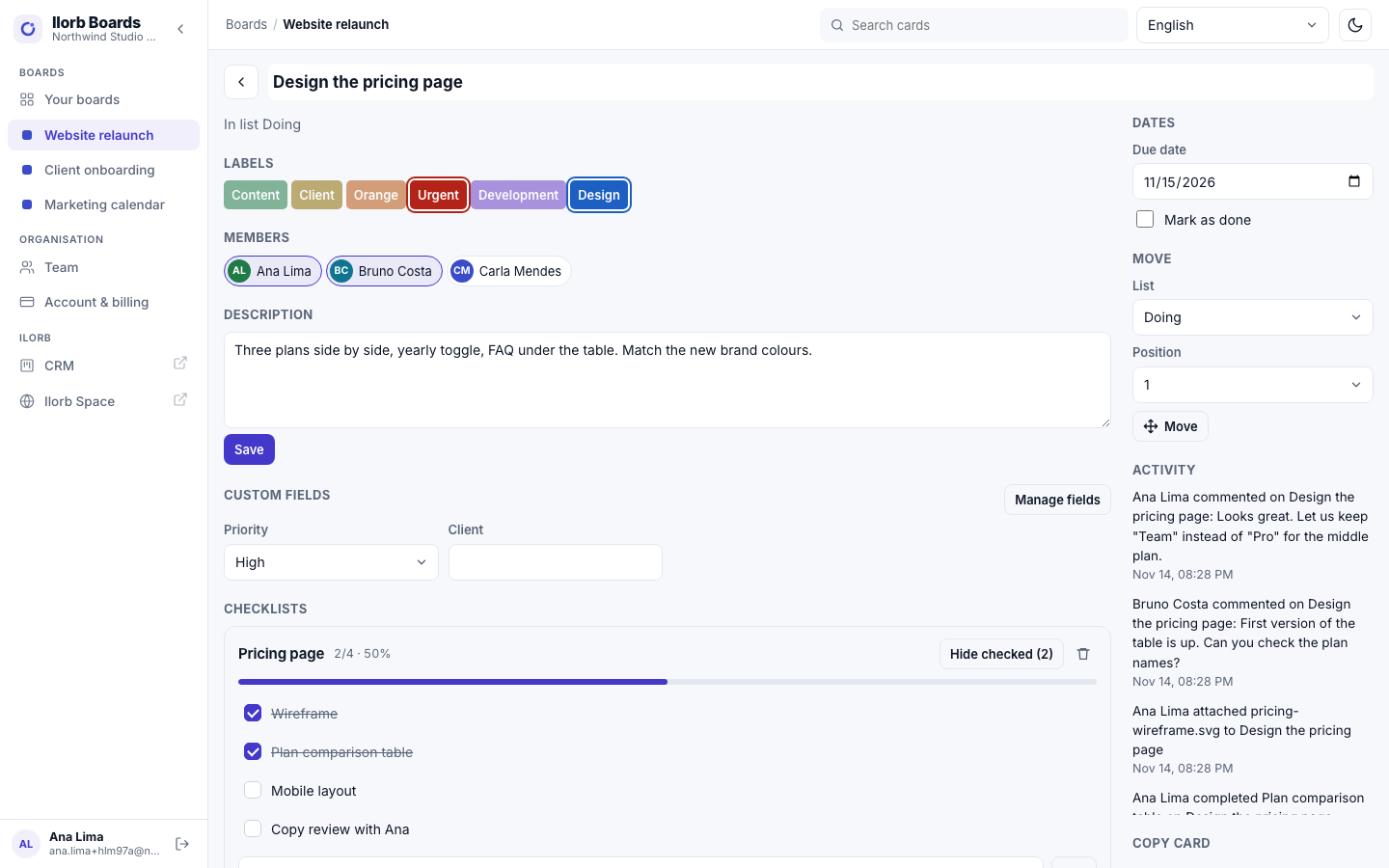
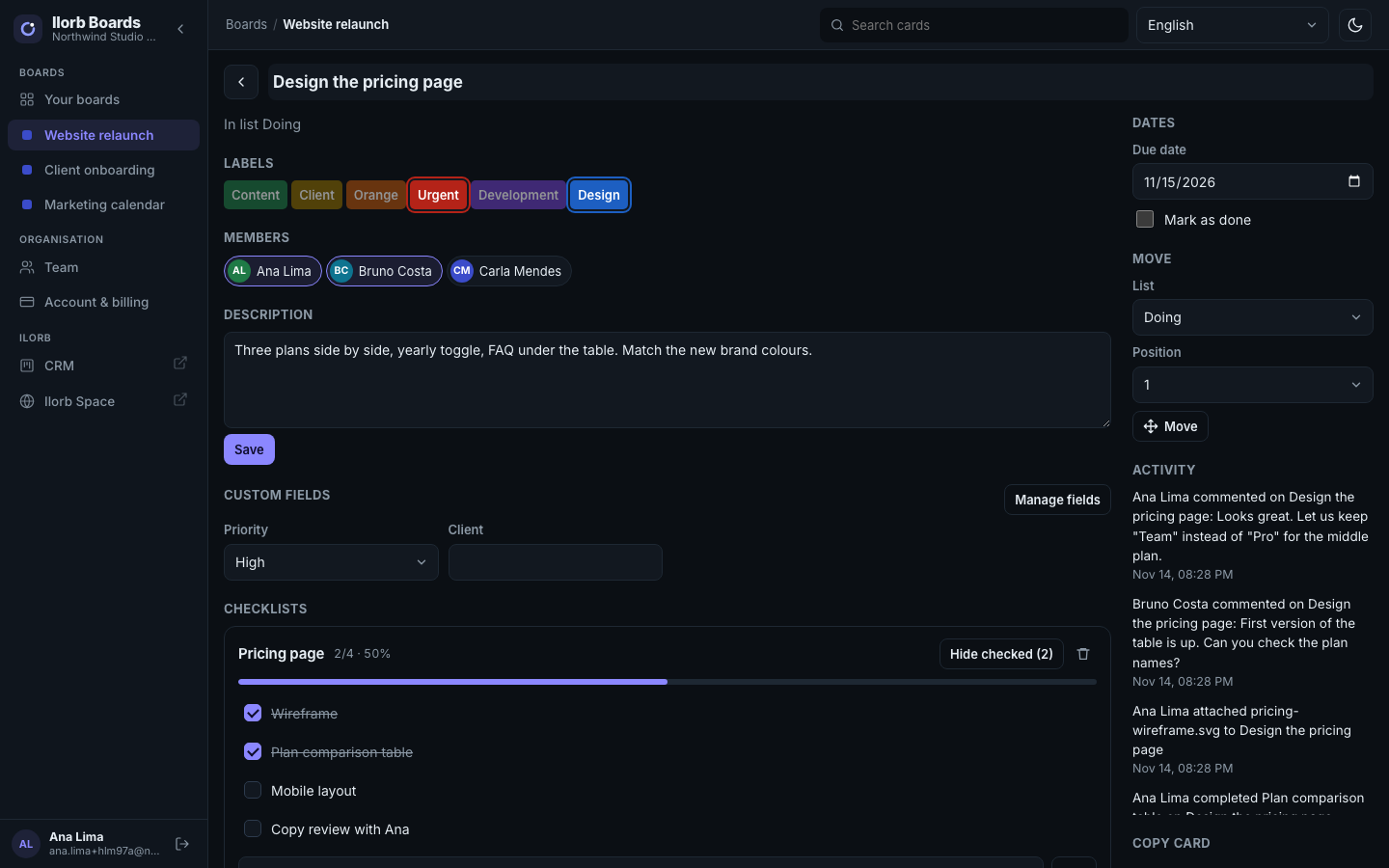
Description, labels, members, due date, comments and an activity log.
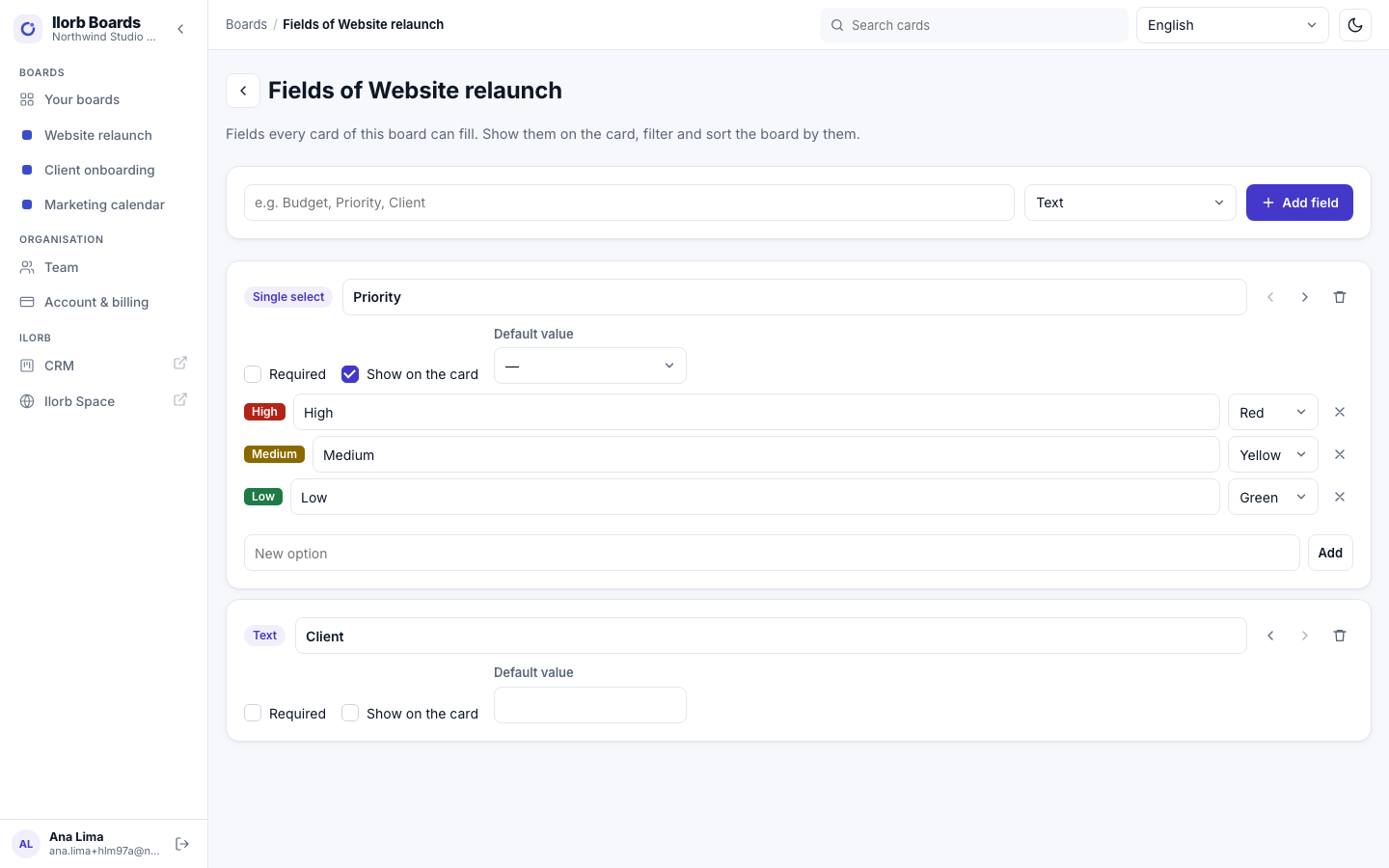
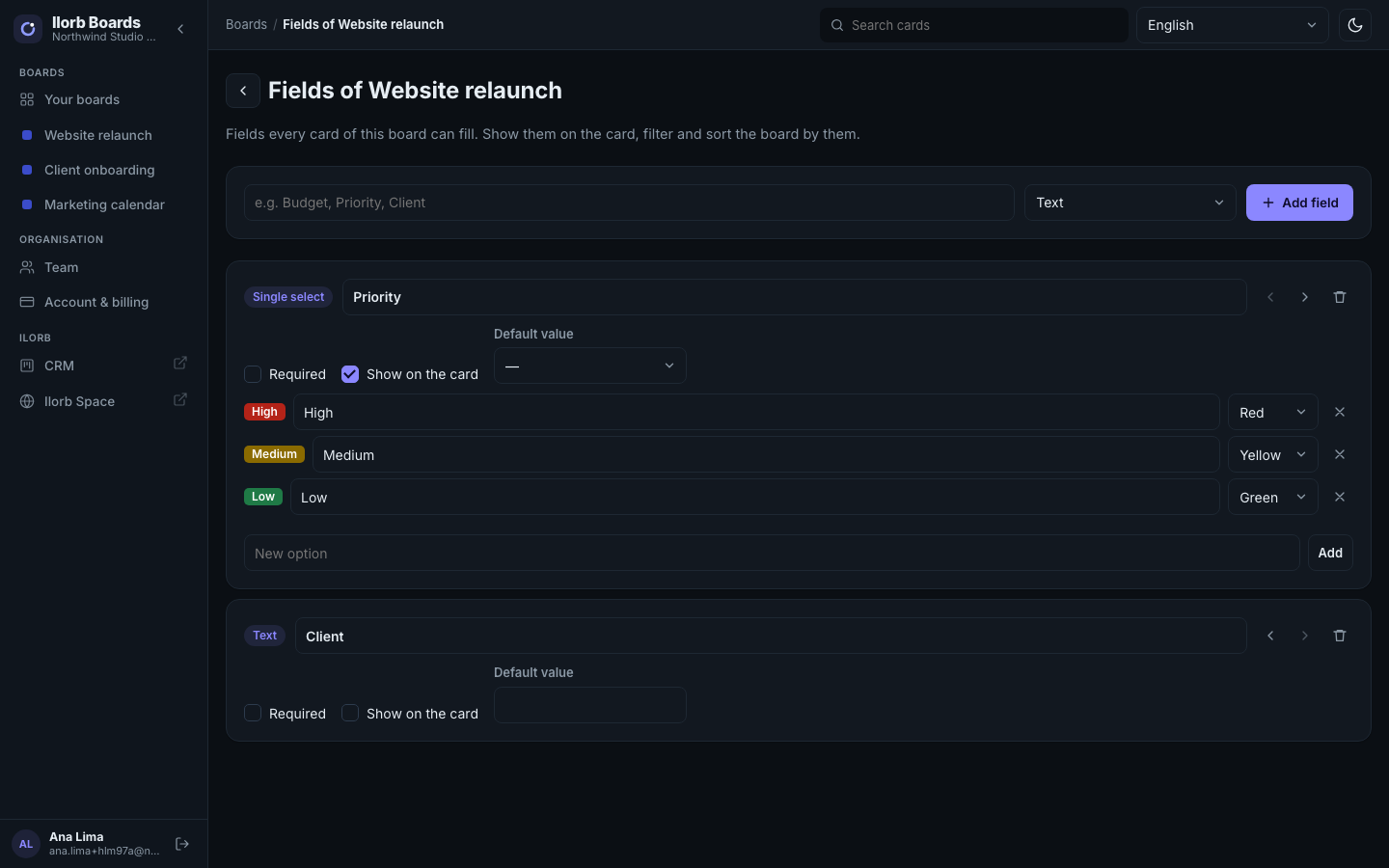
Custom fields
12 types (text, long text, number, currency, date, checkbox, list, multi-list, URL, e-mail, phone, person), shown on the card and usable to filter and sort.
Sharing
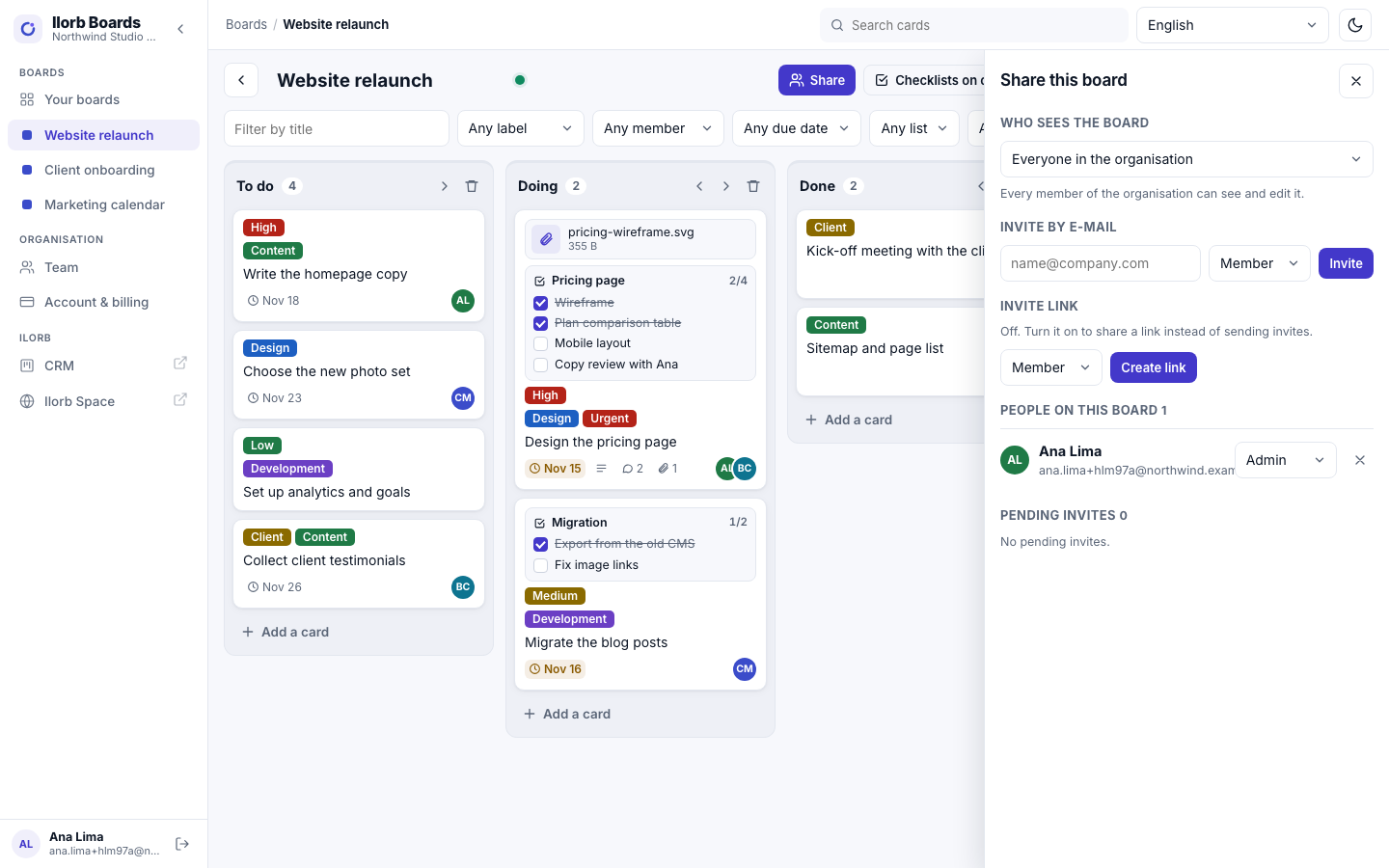
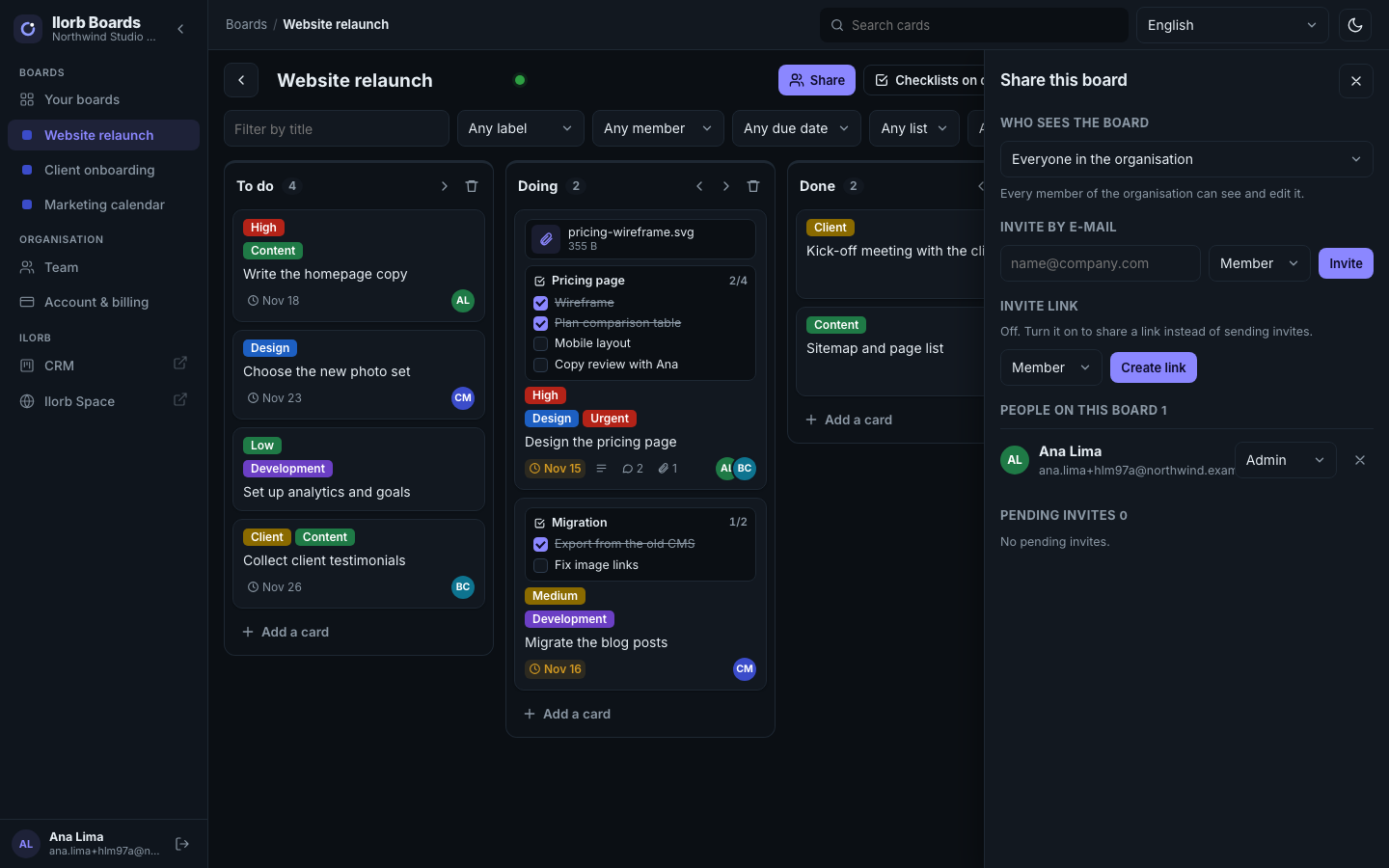
Private or organisation boards, roles per board (admin, member, observer), e-mail invites and an invite link you can turn on and off.
Boards, lists and cards
Drag with mouse, touch or keyboard. Changes show live for everyone on the board.
Checklists
With an owner and due date per item, and they can show on the card front.
Attachments with a viewer
Images, PDF, video and audio open right inside Boards.
Three views
Board, Table (sortable columns) and Calendar (drag a card to another day and its due date moves; an agenda on phones). The same filters apply to all three.
Templates
12 ready-made board templates, “save board as template” for your team (with or without cards) and card templates on each board.
Bring your boards
Import from Trello (lists, labels, cards, due dates, checklists and comments) or from CSV, and export any board as CSV.
Filters and search
Filters by text, label, member, due date, list and field, plus search across all boards.
Team
Invite people and change their roles.
Copy, archive, restore
Copy a card choosing what to keep, even to another board; archive and restore; only board admins delete permanently.
How it connects to the other Ilorb products
Ilorb products share one account and work together.
Ilorb Account
Plan and billing in Ilorb Account.
Ilorb Space
The “Your boards” card in the Ilorb Space hub.
Ilorb Omni
An Ilorb Omni conversation becomes a card.
Plans
Plans and prices are not published yet. Talk to us to find out how to start.
Talk to salesAccount & billing
Ilorb Boards's plan, invoices, receipts, billing details, team and seats live in Ilorb Account — the same area for every Ilorb product, opened from your avatar.
Frequently asked questions
Can I bring my team?
Yes: invite by e-mail, and each person signs in with their own account.
Can I bring my boards from Trello?
Yes. The import brings lists, labels, cards, due dates, checklists and comments; attachments arrive as links. CSV import and export work too.
Will there be a free plan?
Yes: up to 10 people, 10 boards and 1 GB of files. Paid plan prices are coming soon.
Can I keep a board private?
Yes. A private board shows only to the people you add, each with their own role.
What file types can I attach?
Any type. Images, PDF, video and audio open in the built-in viewer.
Can I add my own fields?
Yes, 12 types, shown on the card if you want, and usable in filters and sorting.
Does it update live?
Yes, everyone on the board sees changes without reloading.
Does it work on a phone?
Yes, in the browser, including drag and drop with touch.
Can I recover a deleted card?
Archived cards can be restored. “Delete permanently” cannot be undone, and only board admins can do it.
Want Ilorb Boards for your team?
Talk to us and we will let you know when plans are published.