Ilorb CRM Coming soon
The sales pipeline for teams that sell over WhatsApp.
A CRM that runs on top of Ilorb Omni: the same contacts, the same conversations, the same login. The WhatsApp conversation shows inside the deal.
Who it is for: For teams that sell over WhatsApp and already serve customers with Ilorb Omni.
- Omni's contacts
- Weighted forecast
- Works on a phone
What Ilorb CRM does
Deal page
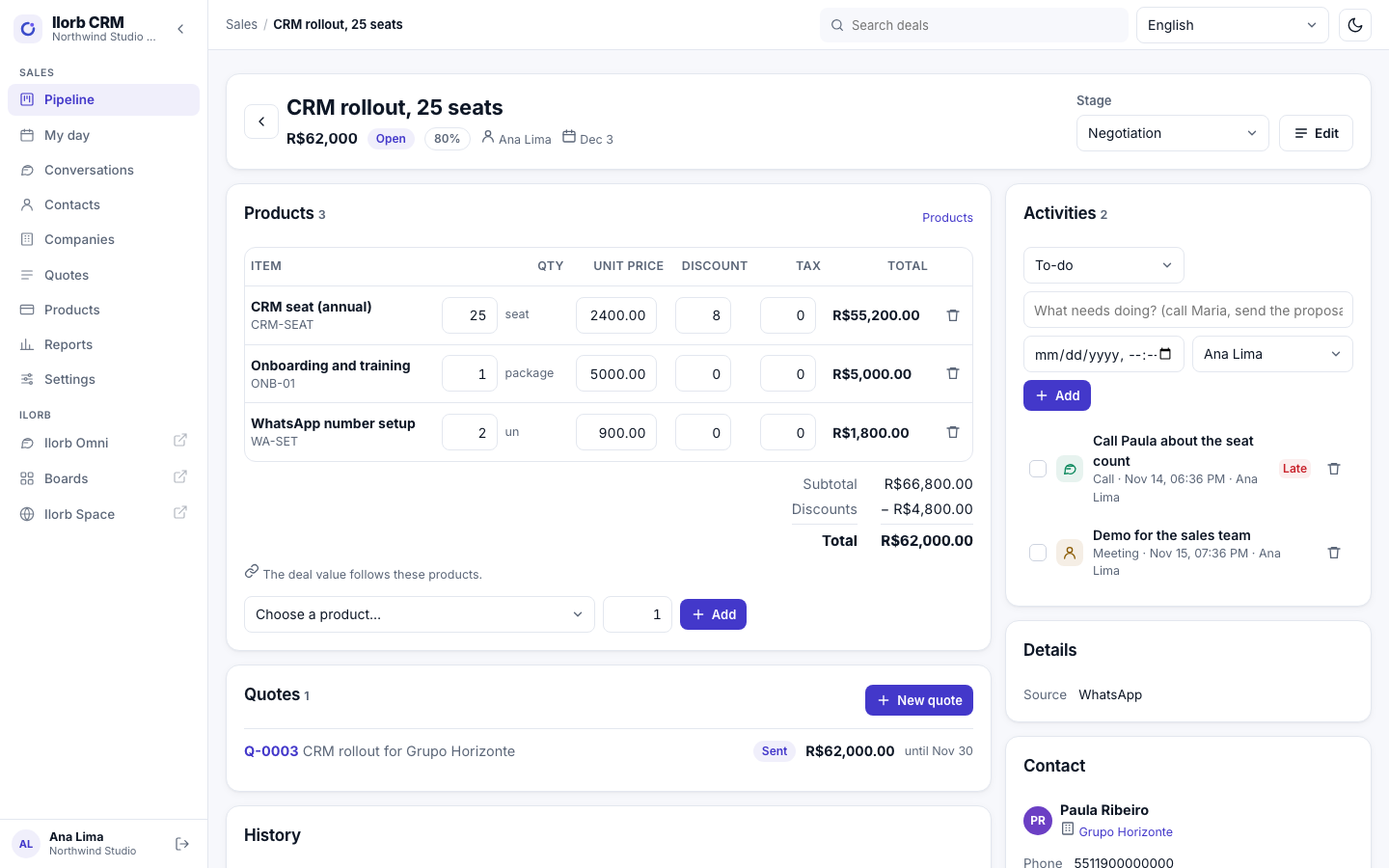
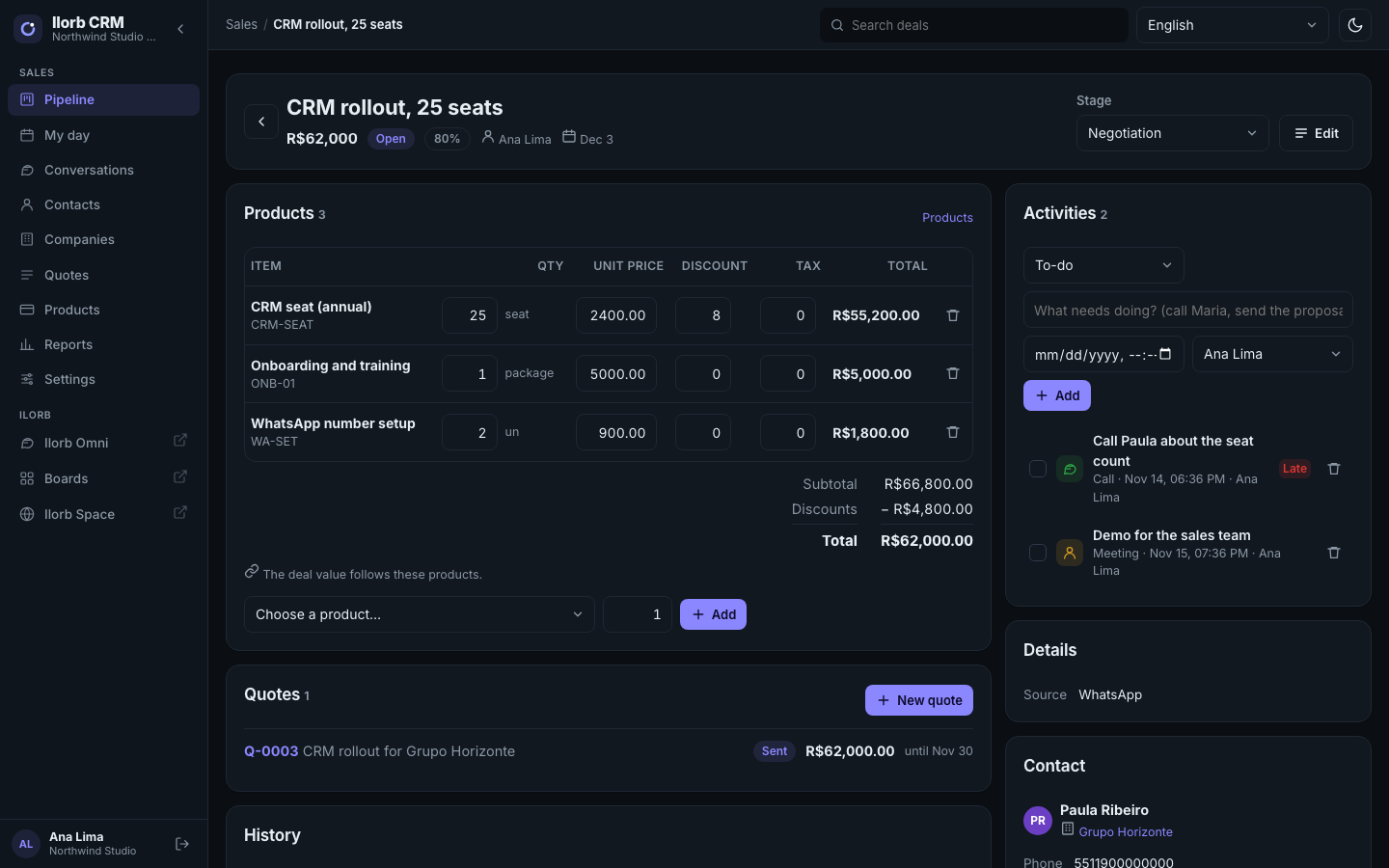
One timeline with notes, stage changes, completed activities and the WhatsApp conversation from Omni, plus a contact panel with phone, e-mail, tags and company.
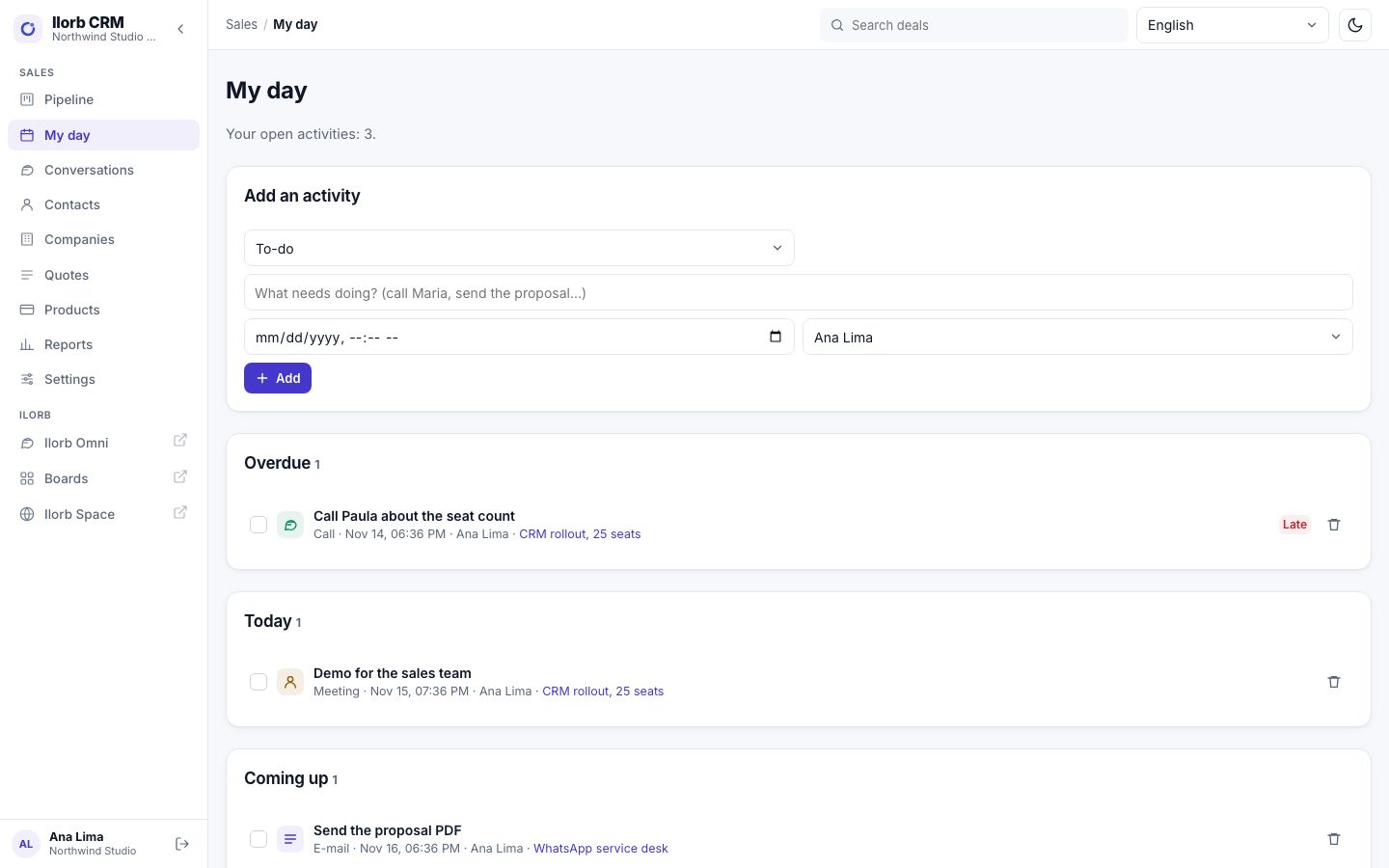
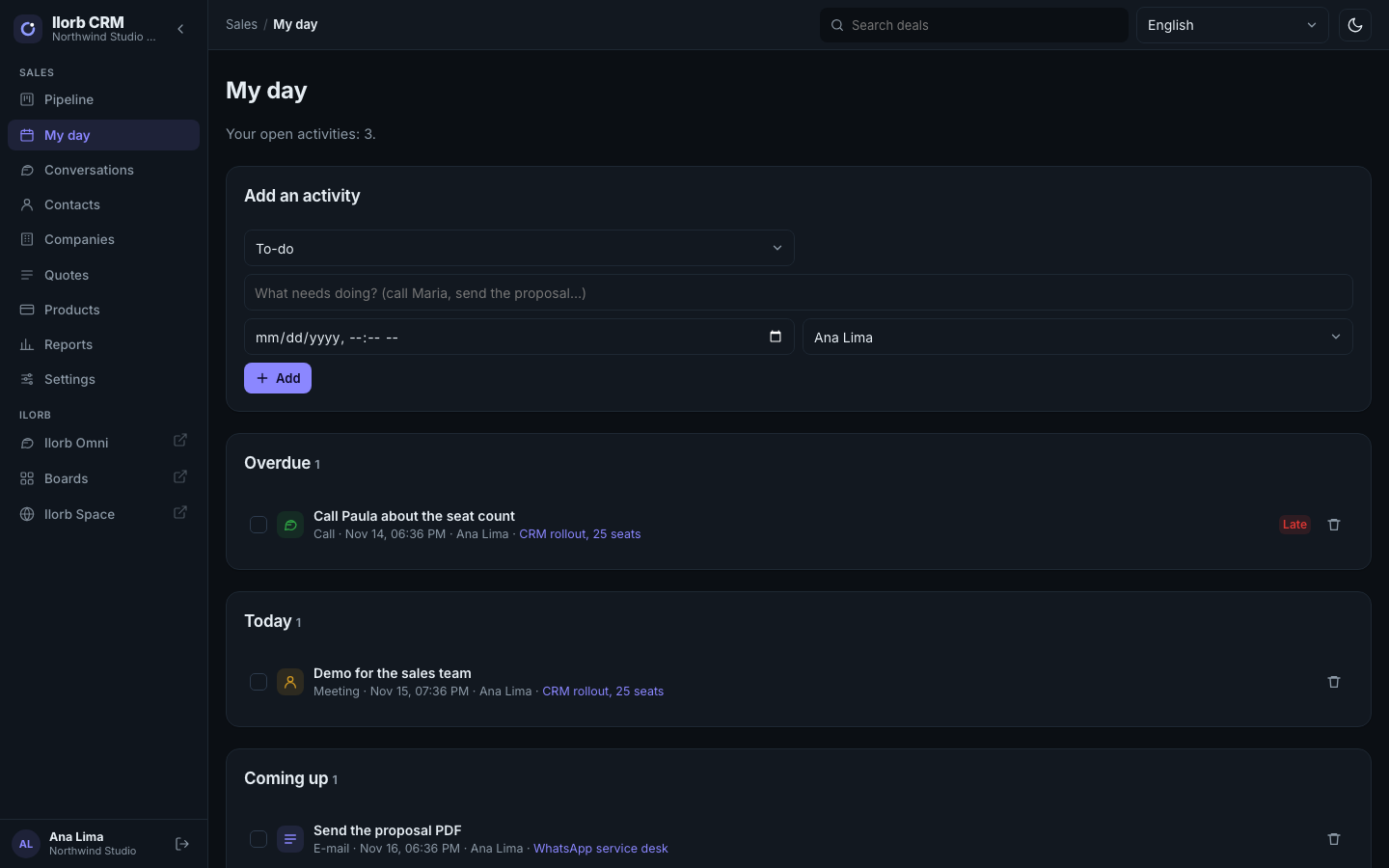
Activities and “My day”
Call, meeting, to-do and e-mail with a due date and owner, a “My day” screen and late badges on cards.
Products and quotes
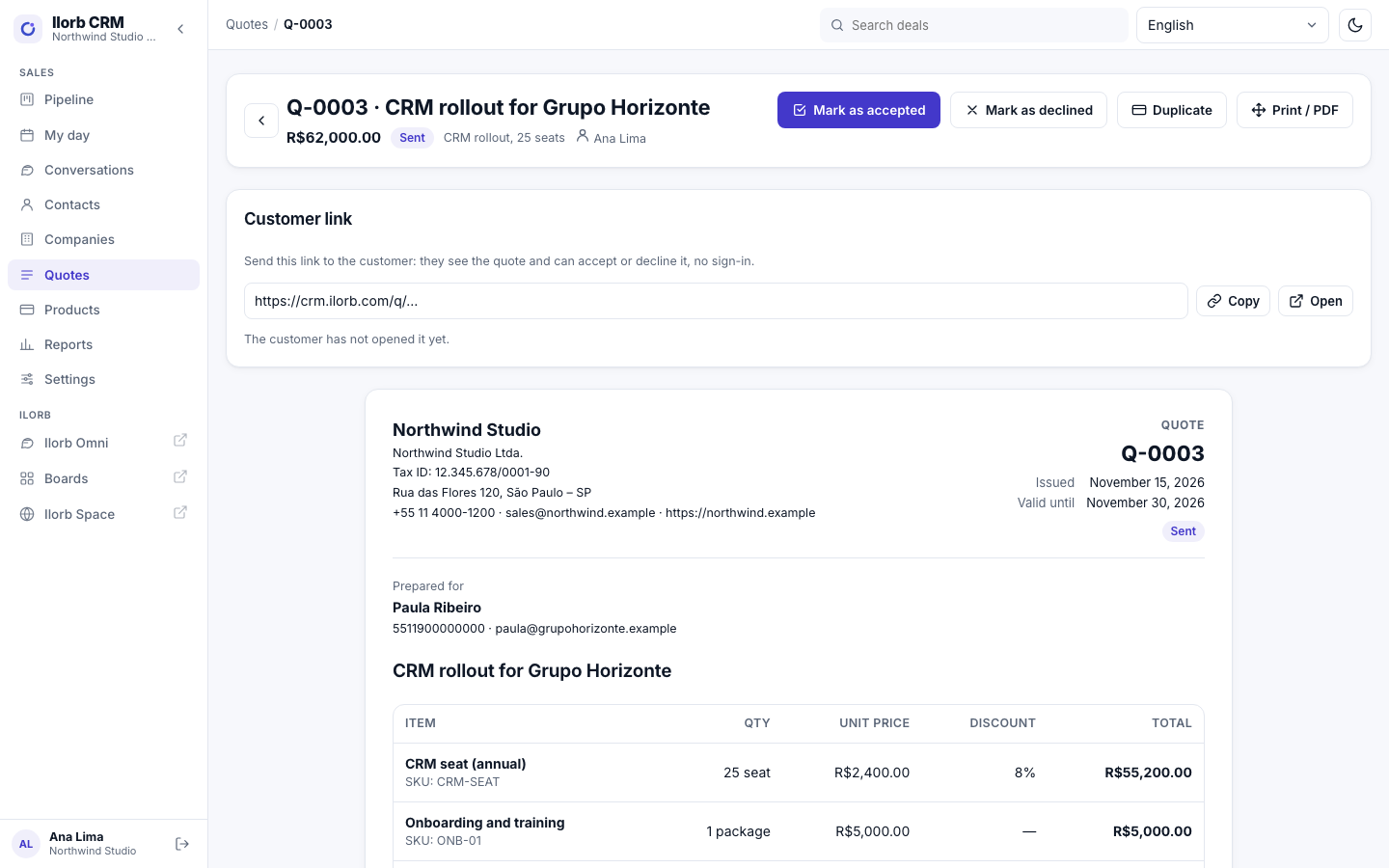
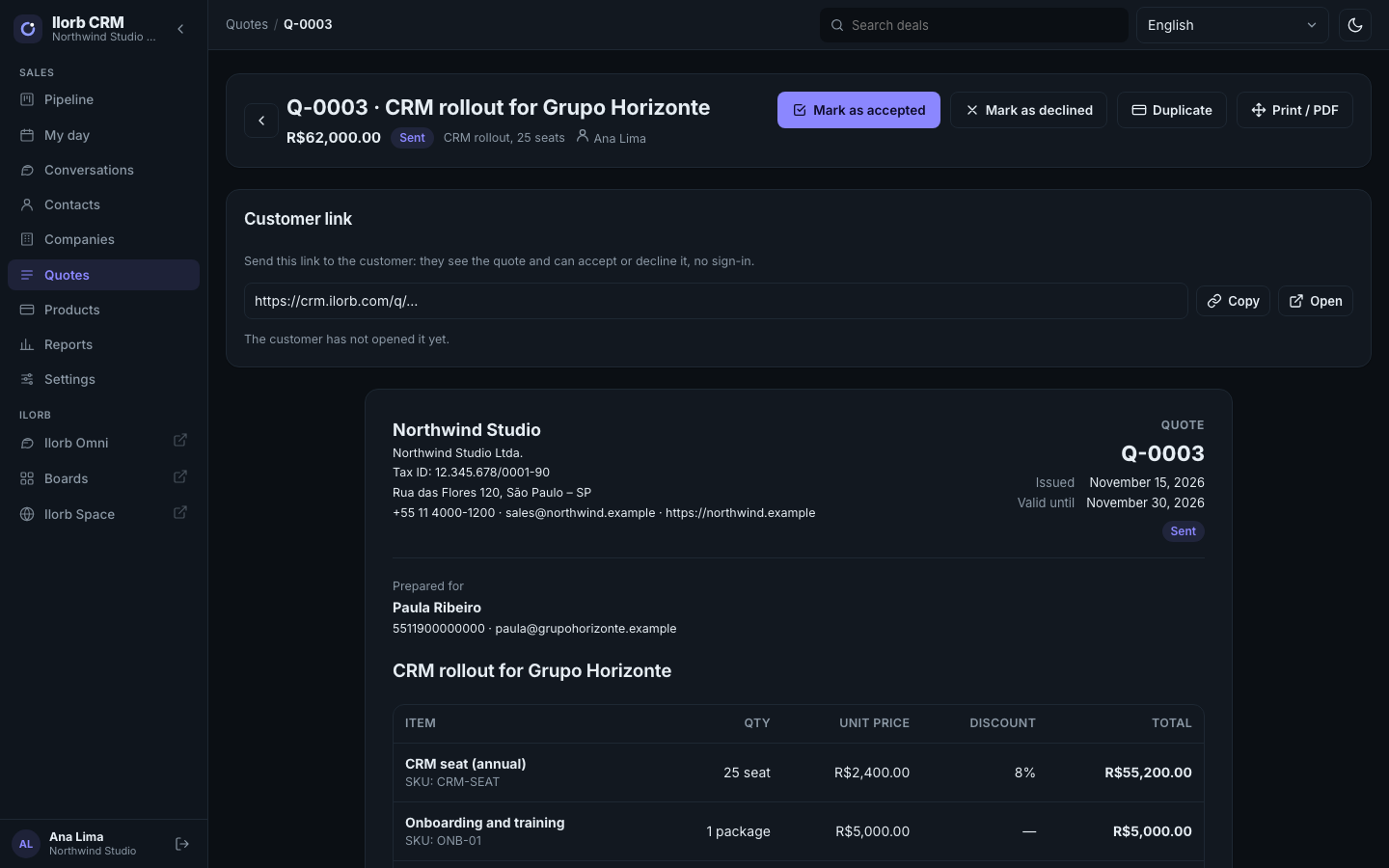
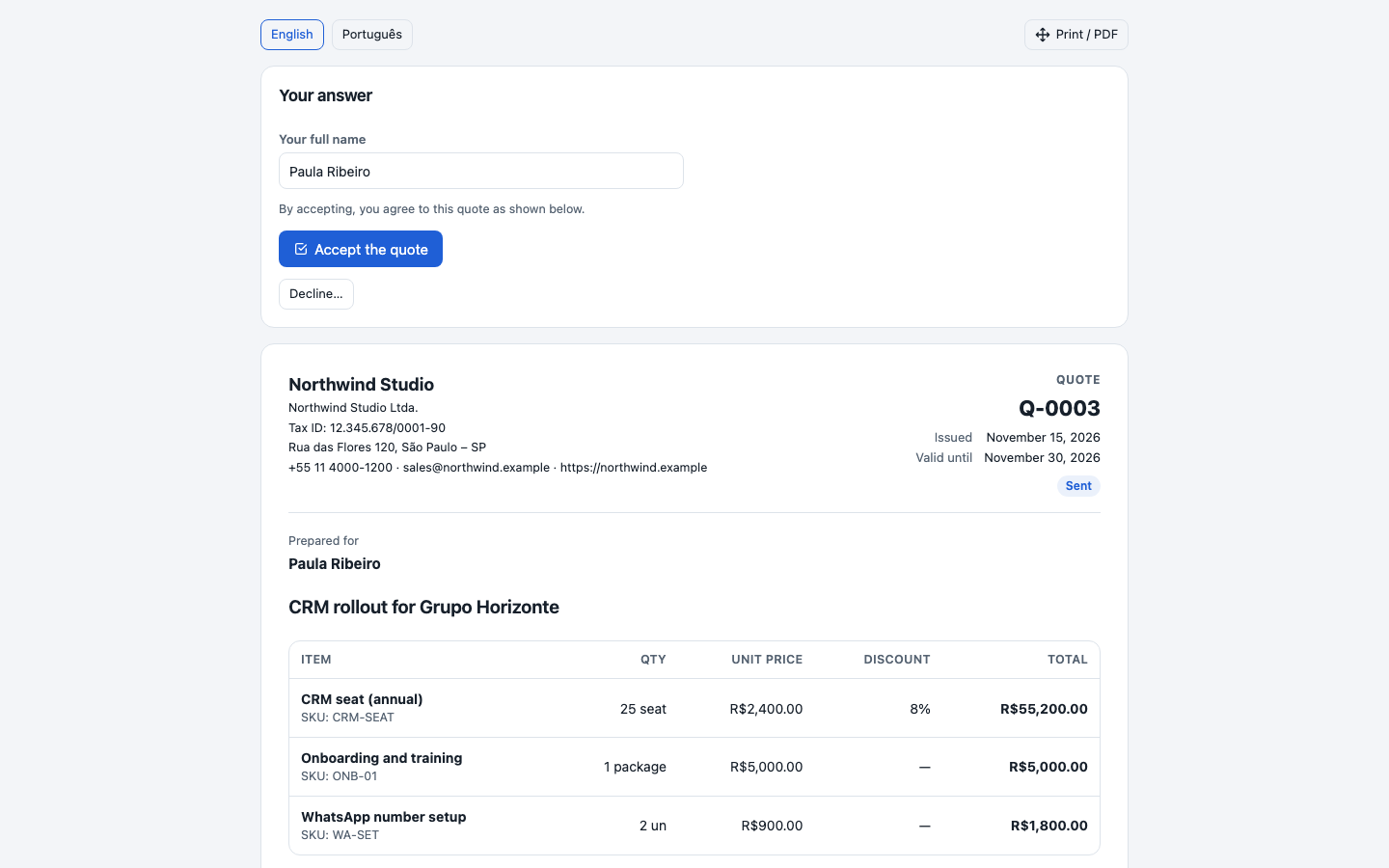
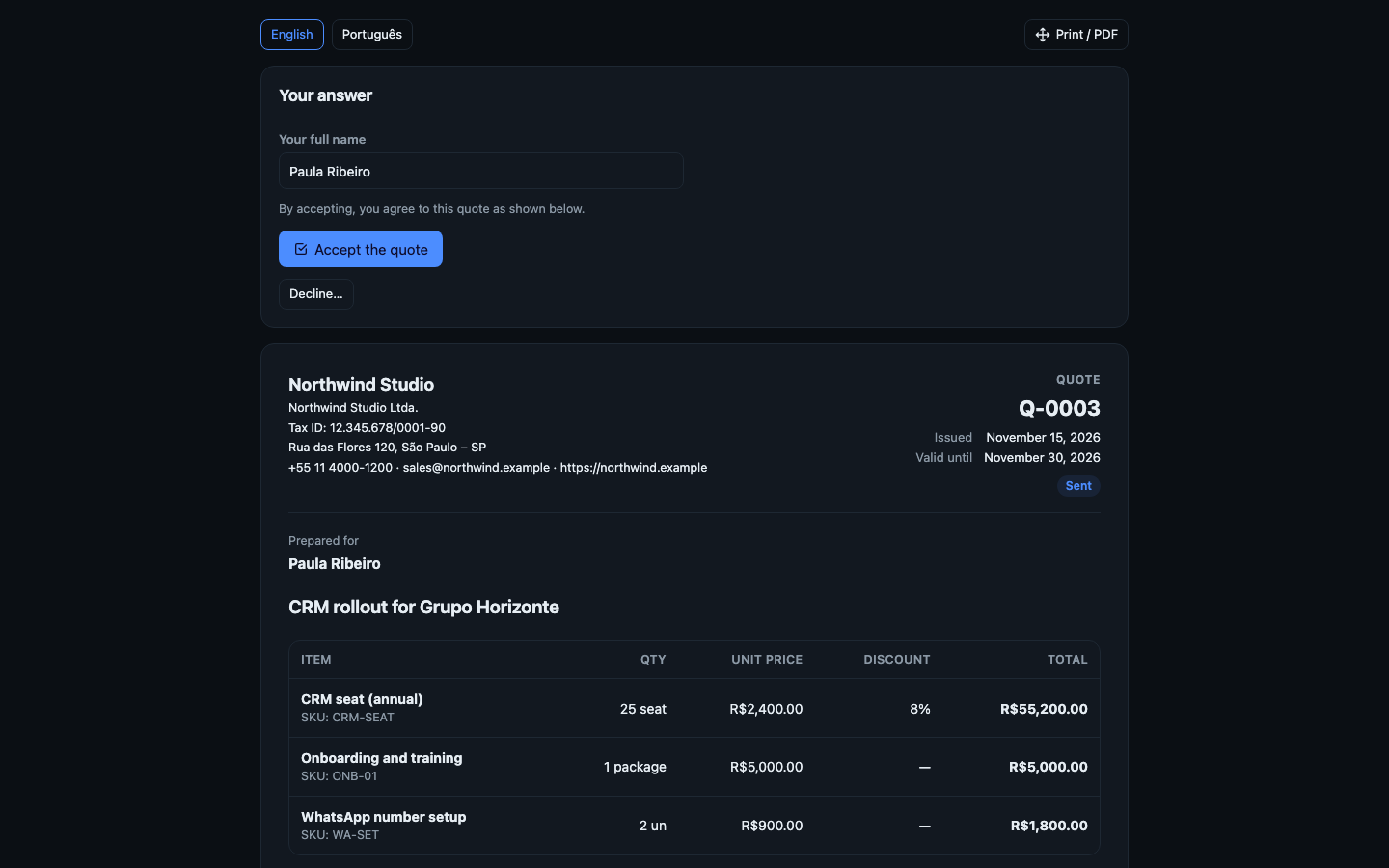
A product catalogue, deal lines with quantity, price, discount and tax, and quotes with validity and terms — as a PDF or a link for the customer.
The customer answers on a link
The customer opens the quote without an account, accepts with their name or declines with a reason — and you see when they opened it.
Reports
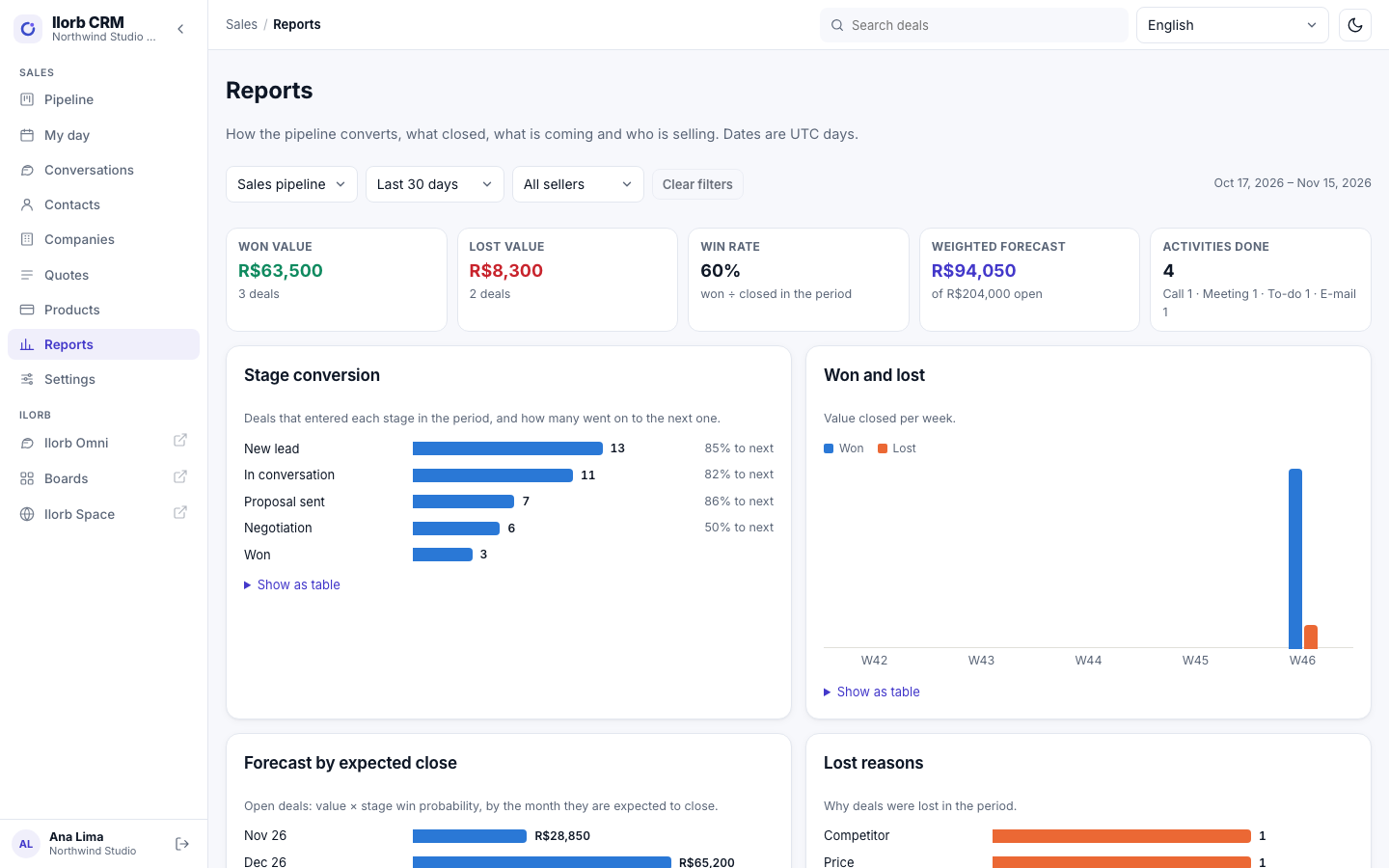
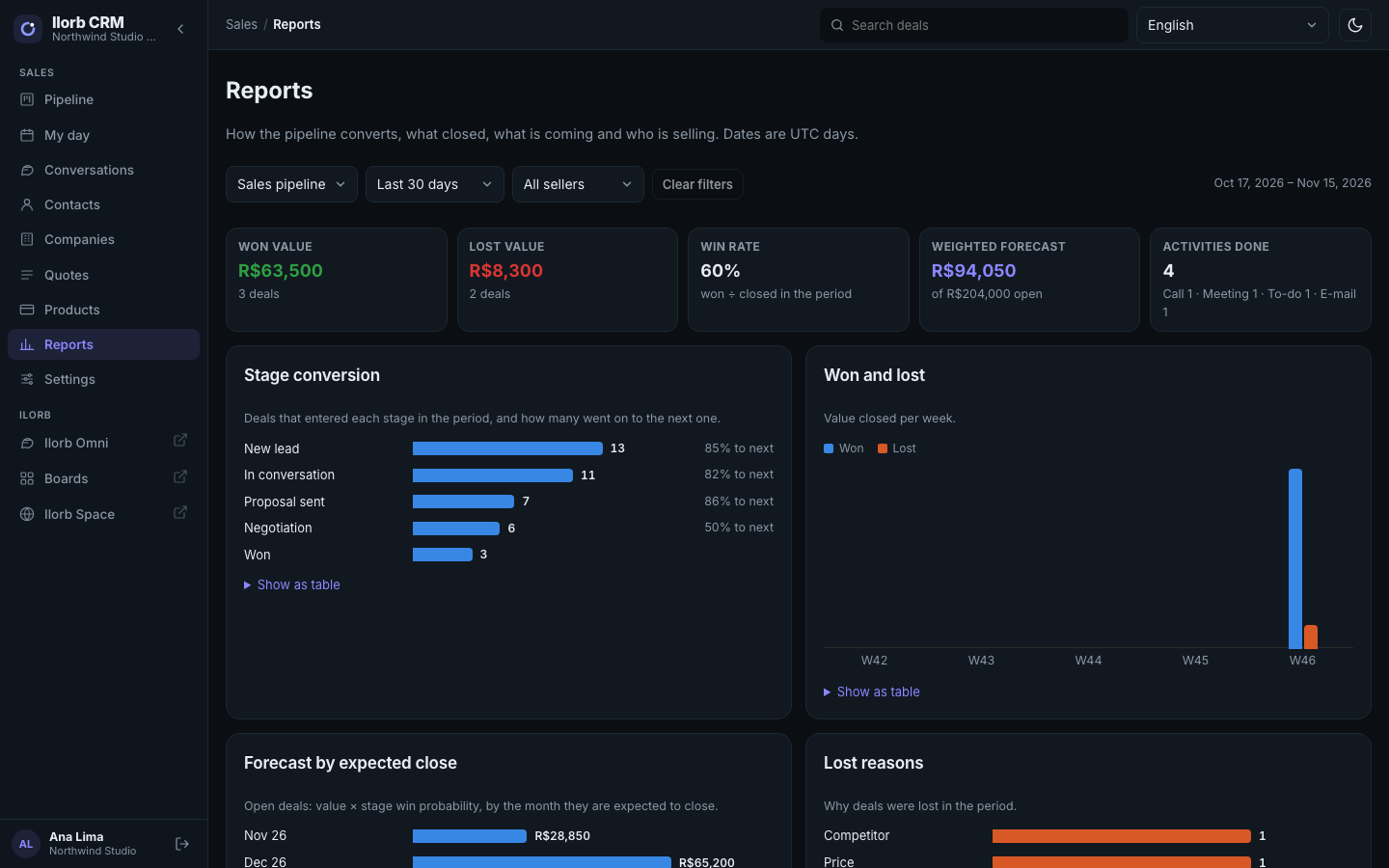
Stage conversion, won and lost over time, forecast by expected close month, lost reasons, per seller and activities — with hover details and a table view.
Kanban pipeline
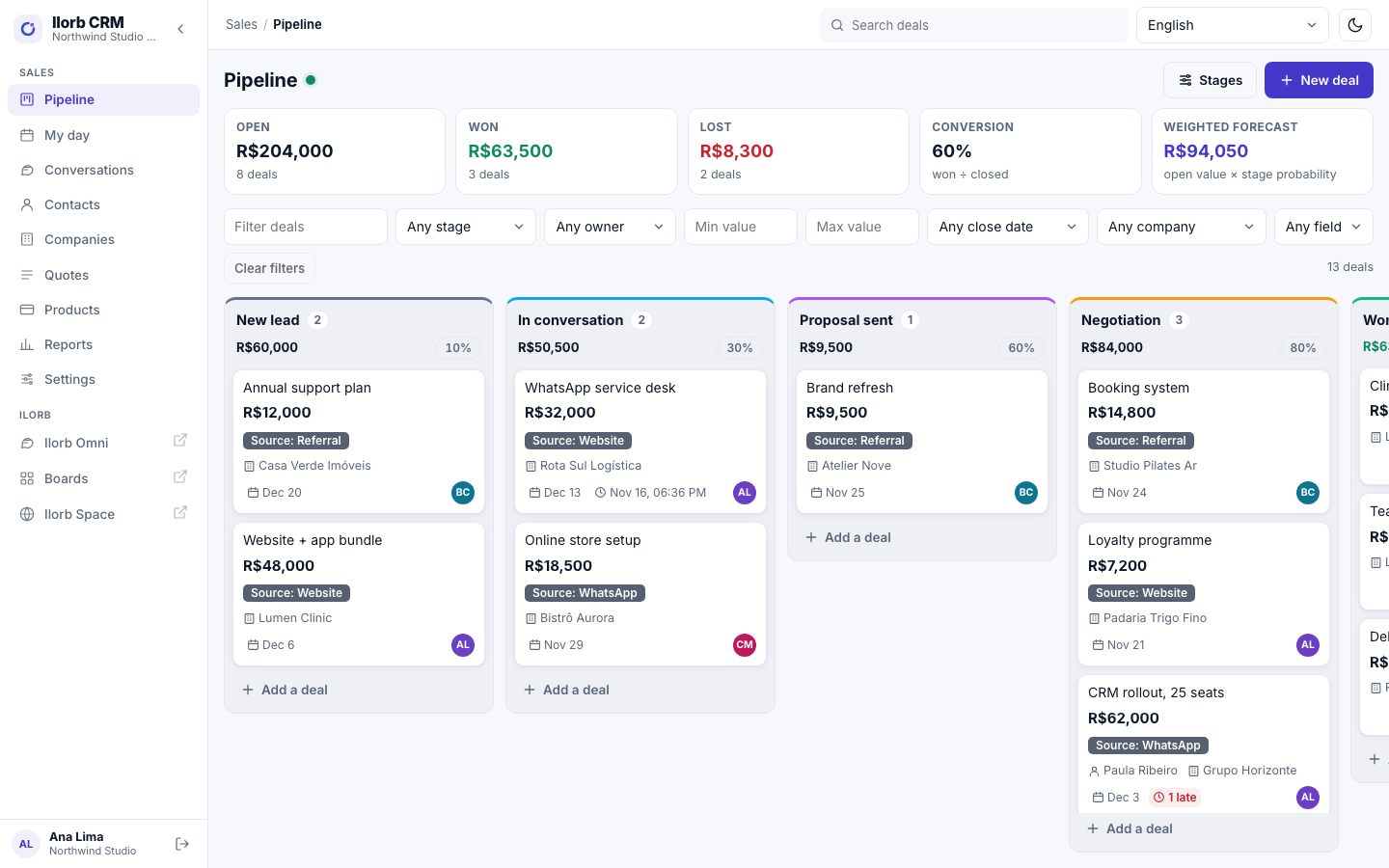
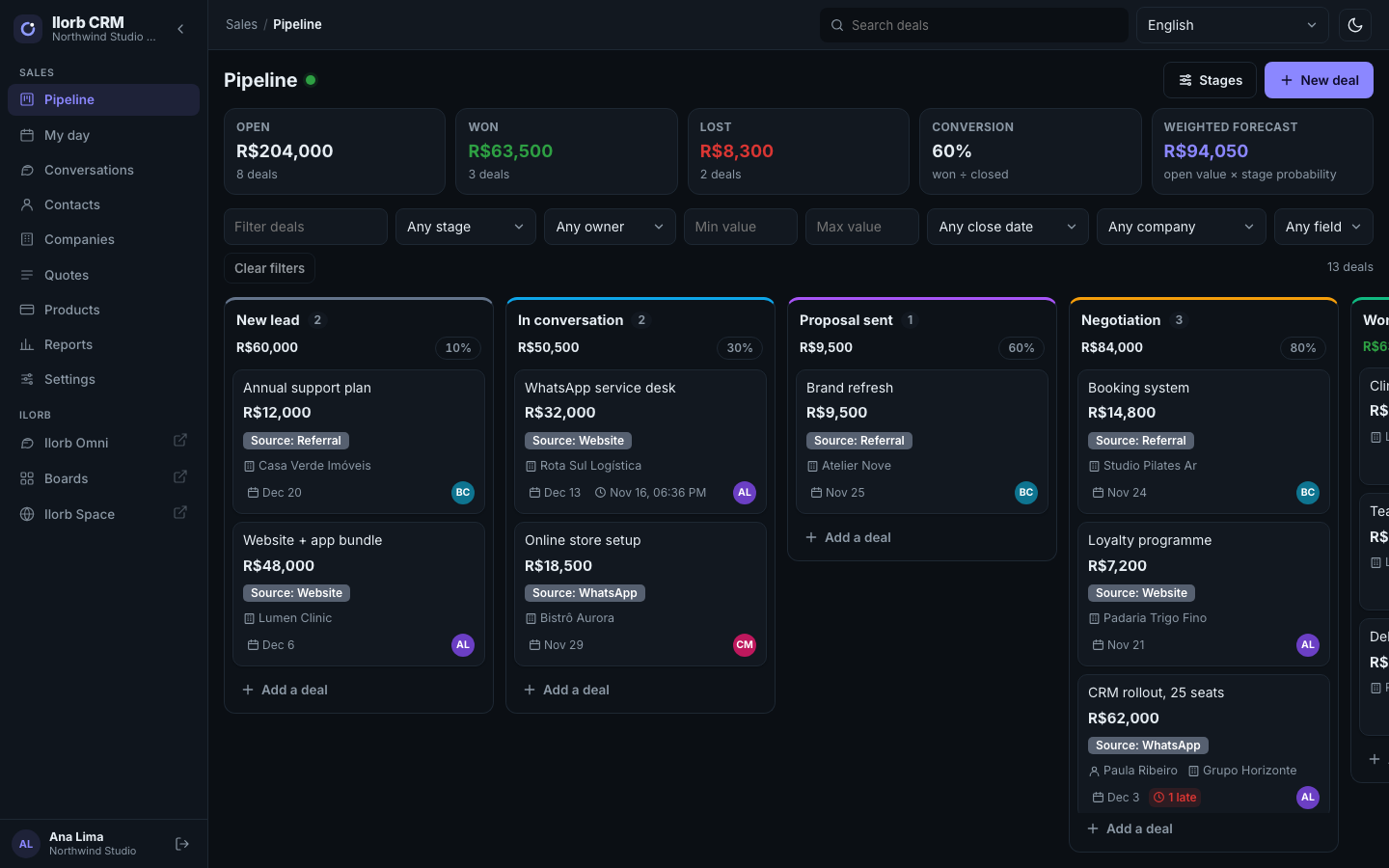
Drag deals between stages, with totals per stage and a won / lost / win-rate summary.
Several pipelines and a forecast
Stages with a win probability, giving a weighted forecast.
Lost reasons
Required when a deal is lost, chosen from the company's own list.
Your own fields
Deal fields that show on cards, on the deal page and in filters.
From WhatsApp to a deal
Turn an Omni conversation into a deal, with contact and company lists.
How it connects to the other Ilorb products
Ilorb products share one account and work together.
Ilorb Omni
The CRM is the sales view of Omni's data: contacts, conversations and deals.
Ilorb Boards
Ilorb Boards one click away, in the menu.
Ilorb Sign Coming soon
Proposals signed with Ilorb Sign.
Ilorb Account Coming soon
Plans through Ilorb Account.
Plans
Plans and prices are not published yet. Talk to us to find out how to start.
Talk to salesAccount & billing
Ilorb CRM's plan, invoices, receipts, billing details, team and seats will live in Ilorb Account — the same area for every Ilorb product, opened from your avatar.
Coming soonFrequently asked questions
Do I need Ilorb Omni?
Yes. The CRM uses Omni's contacts and conversations, and you sign in with your Omni login.
Can I see the WhatsApp conversation inside the deal?
Yes, in the deal timeline, next to notes and stage changes.
Can I have more than one pipeline?
Yes, each with its own stages and win probabilities.
How is the forecast calculated?
Open deal value × the stage's win probability, grouped by expected close month.
Why must I give a reason when a deal is lost?
So the lost-reasons report shows why you lose. You maintain the list yourself.
Can I add my own fields to deals?
Yes. They show on the cards, the deal page and the filters.
Can I send a quote to the customer?
Yes: build the quote from the deal's products, print it as a PDF or send the link. When the customer accepts, one click marks the deal as won.
Does it work on a phone?
Yes, in the browser.
Want Ilorb CRM for your sales team?
Talk to us and we will let you know when plans are published.